One Rust engine for games, apps, websites and terminals.
Real HTML. Native apps. One CLI for you and your agents.

WASD to move, mouse or arrows to look, Space to jump, click or G to fire. Esc releases the mouse.
Drag left to move and right to look. Tap Jump, Fire or Link.
- Real HTMLKeel renders website pages to HTML
- Terminal UIKeel draws text interfaces with keel-term
- No WebViewNative desktop rendering; Android and iOS packages have separate verification limits
- Platform proofSee what ran, and where →
One codebase. Three kinds of software.
Try the live HTML counter and compare the same interaction in captured desktop game and app previews.
Keel renders the counter as HTML. The Launch button works without WebAssembly.
Enable JavaScript to try the counter and switch previews.
Keel renders the counter as HTML. The Launch button works without WebAssembly.
Enable JavaScript to try the counter and switch previews.
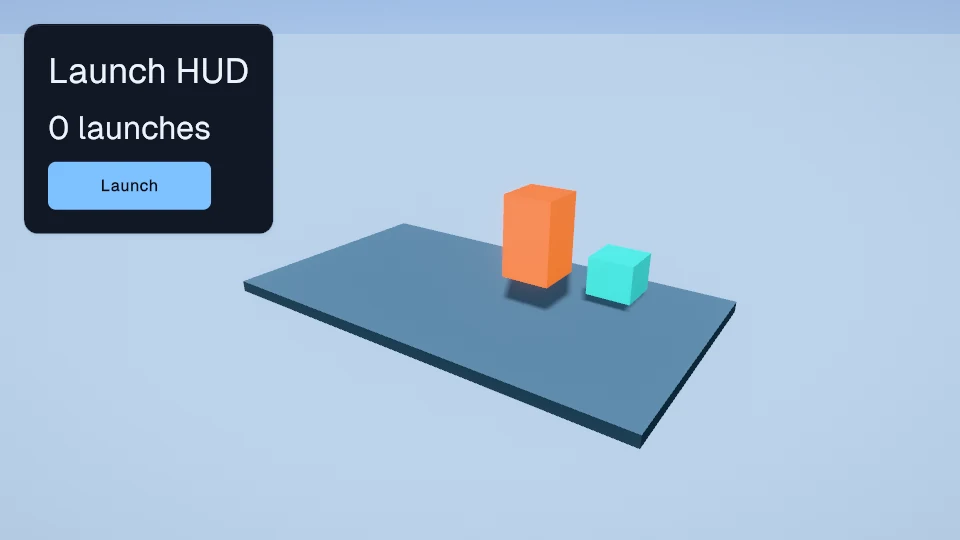
The game draws the same counter as a HUD over the 3D scene.
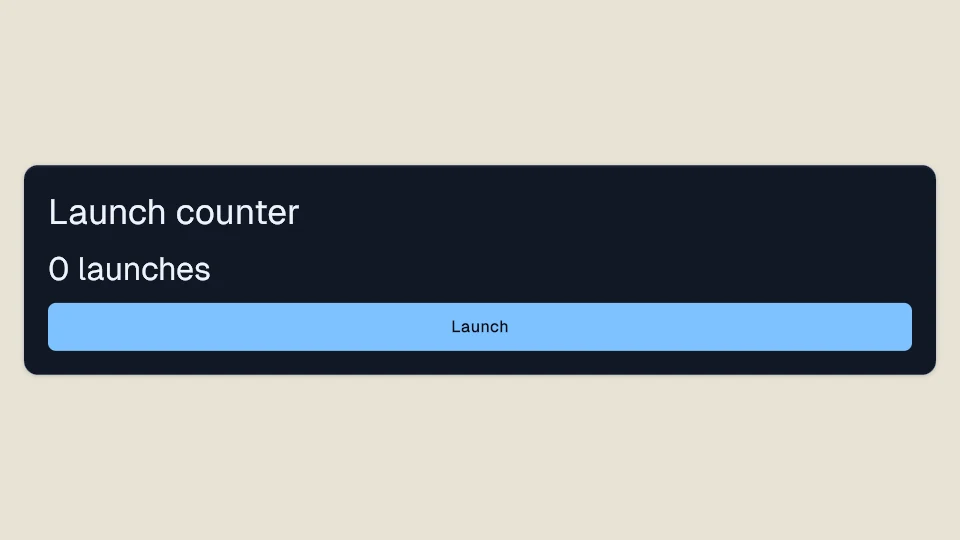
The native app draws the counter directly, without a WebView.
pub fn counter_view(start: u32) -> Component {
    let count = signal(start);
    let label = count.map(|n| match n {
        1 => "1 launch".to_string(),
        n => format!("{n} launches"),
    });
    column([
        text(label).id("count").text_size(32.0),
        button("Launch")
            .id("launch")
            .on_press(move |_| count.update(|n| *n += 1)),
    ])
    .id("counter")
    .gap(SpaceRole::Md)
}Your agent can see, film, script and replay every scene.
Give your agent screenshots, frame sequences and pass/fail reports it can use to check a game or app without opening a window.
- keel shot
One scene as a PNG, with a report of its colours and coverage. It exits 1 on a panic, a blank frame or an error in the log.
- keel film
A scene over time as one contact sheet, each frame under its number and time, so an agent sees motion without a window.
- keel play
Clicks, typing and waits from a script, checked against what the scene shows after each step. Before and after are saved as PNGs.
- keel record, keel replay
Records the input and a hash of every frame, then replays it and names the first frame that differs, or reports that none did.
Engine studies
These small studies show how Keel handles materials, motion, physics and UI. Press Run on any study to see it live.
Rendering
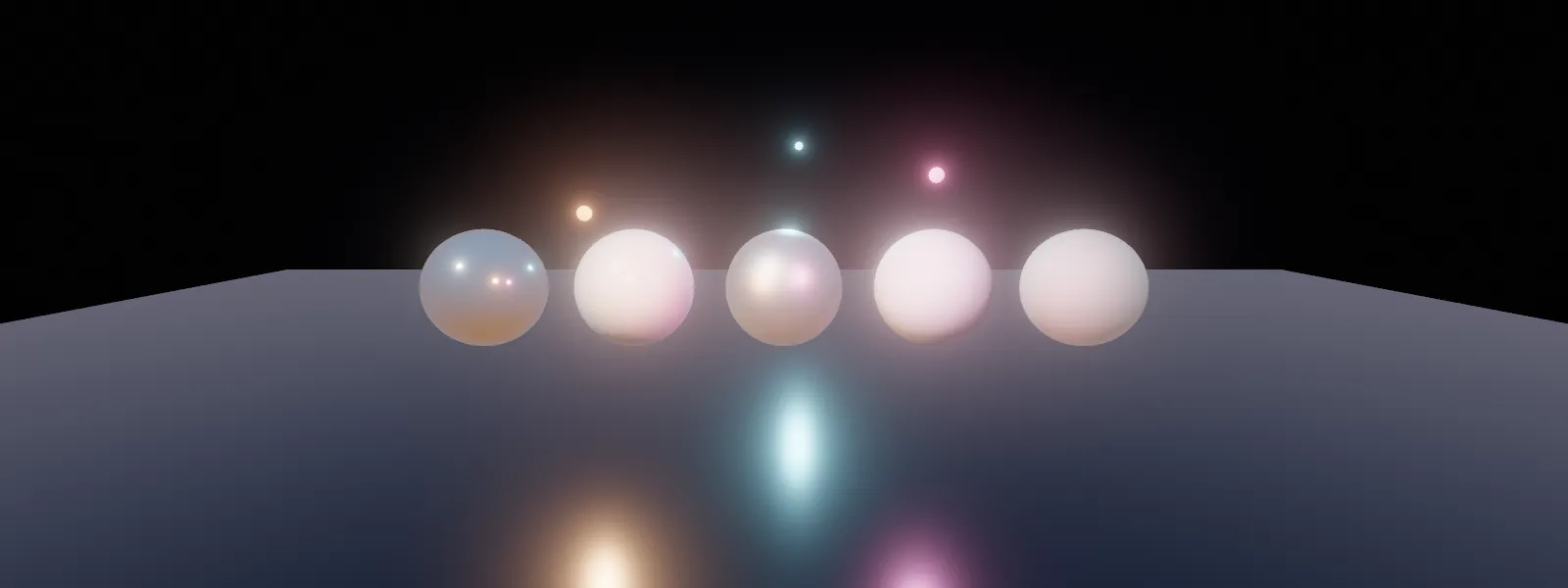
Physically based materials from mirror to matte, lit by moving coloured lights, with bloom and filmic tone mapping.
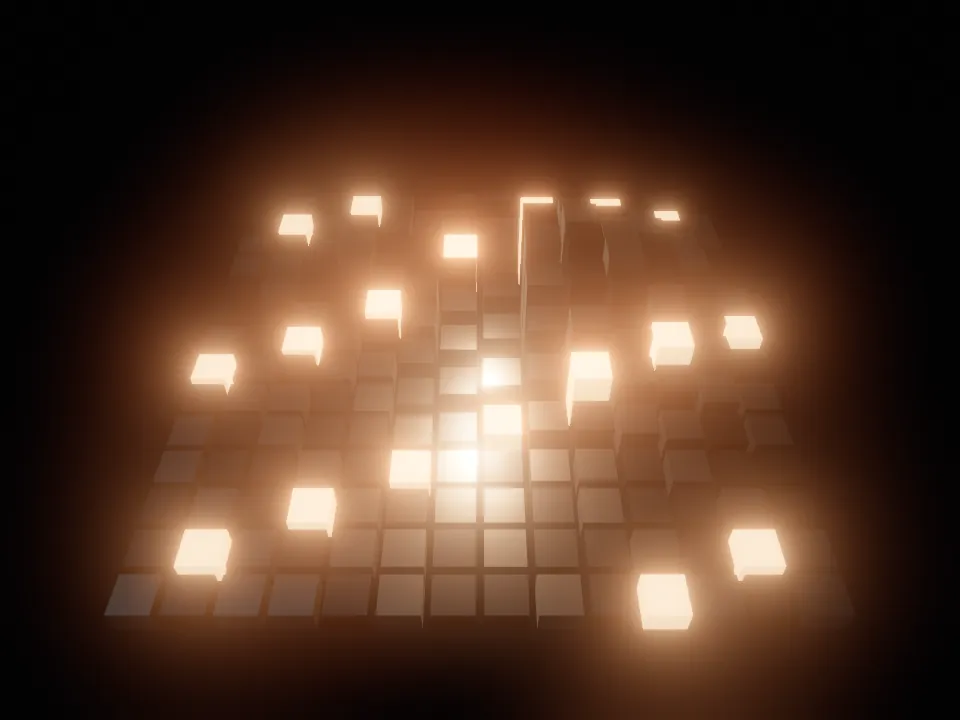
Fluids
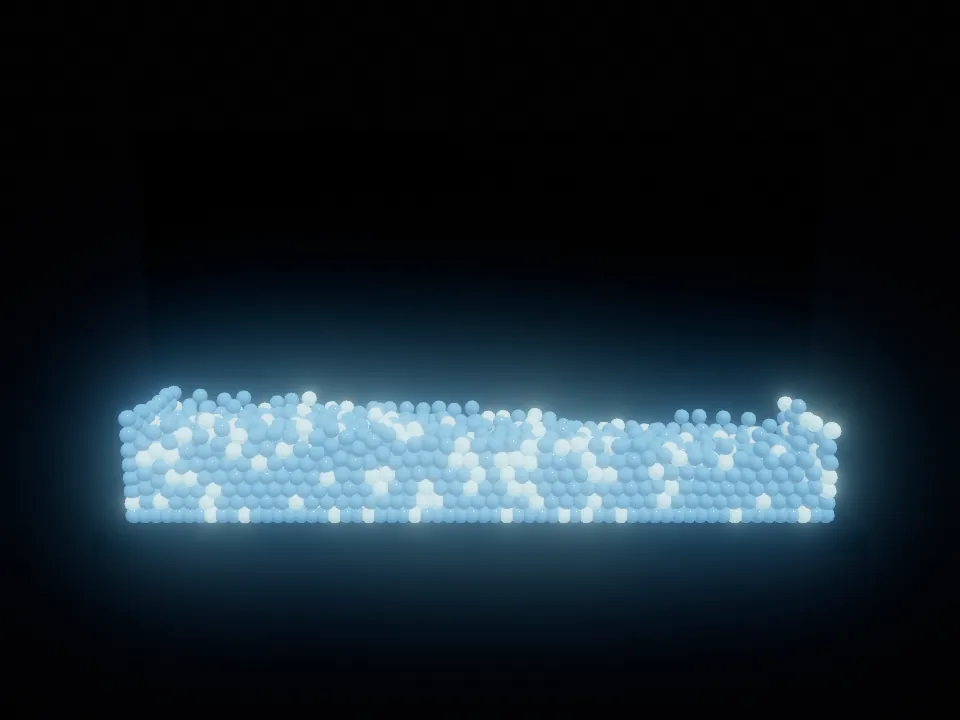
Position-based fluid particles, simulated every frame.
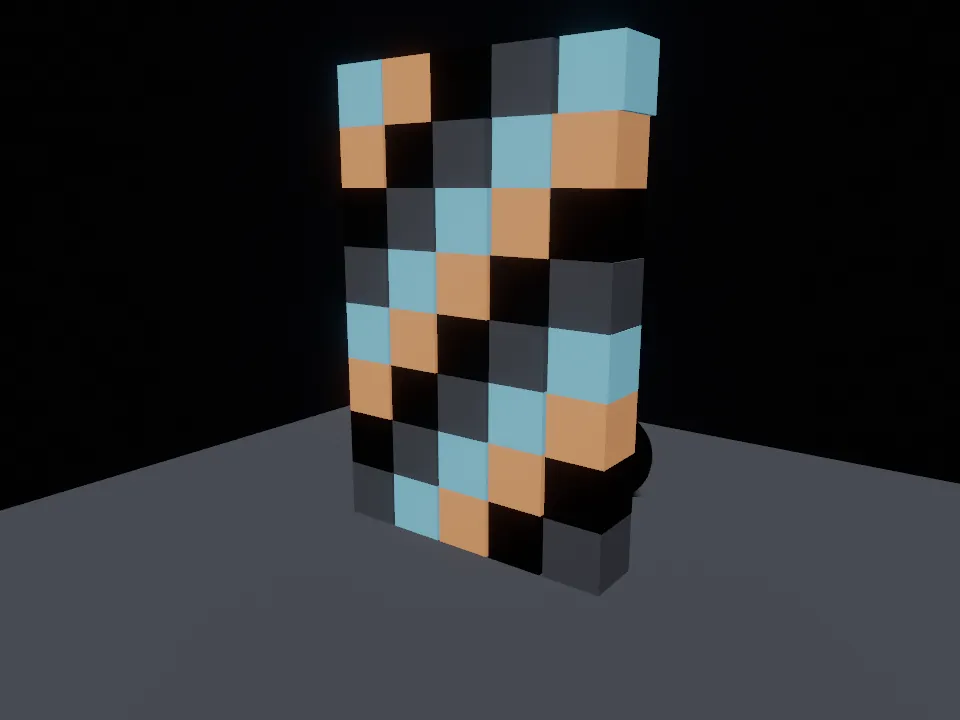
Animation
Springs and tweens drive motion with physical feel.
Physics
Rigid bodies and colliders from Rapier, stepped at a fixed rate. Click to drop a ball.
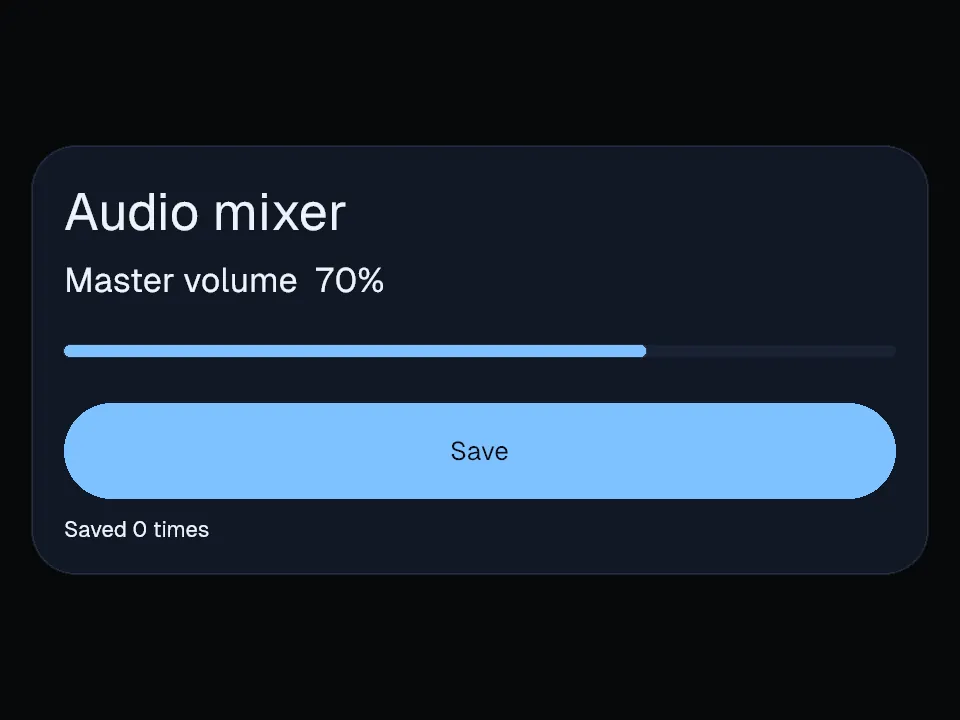
UI kit
Layout, text and controls drawn by the engine itself.
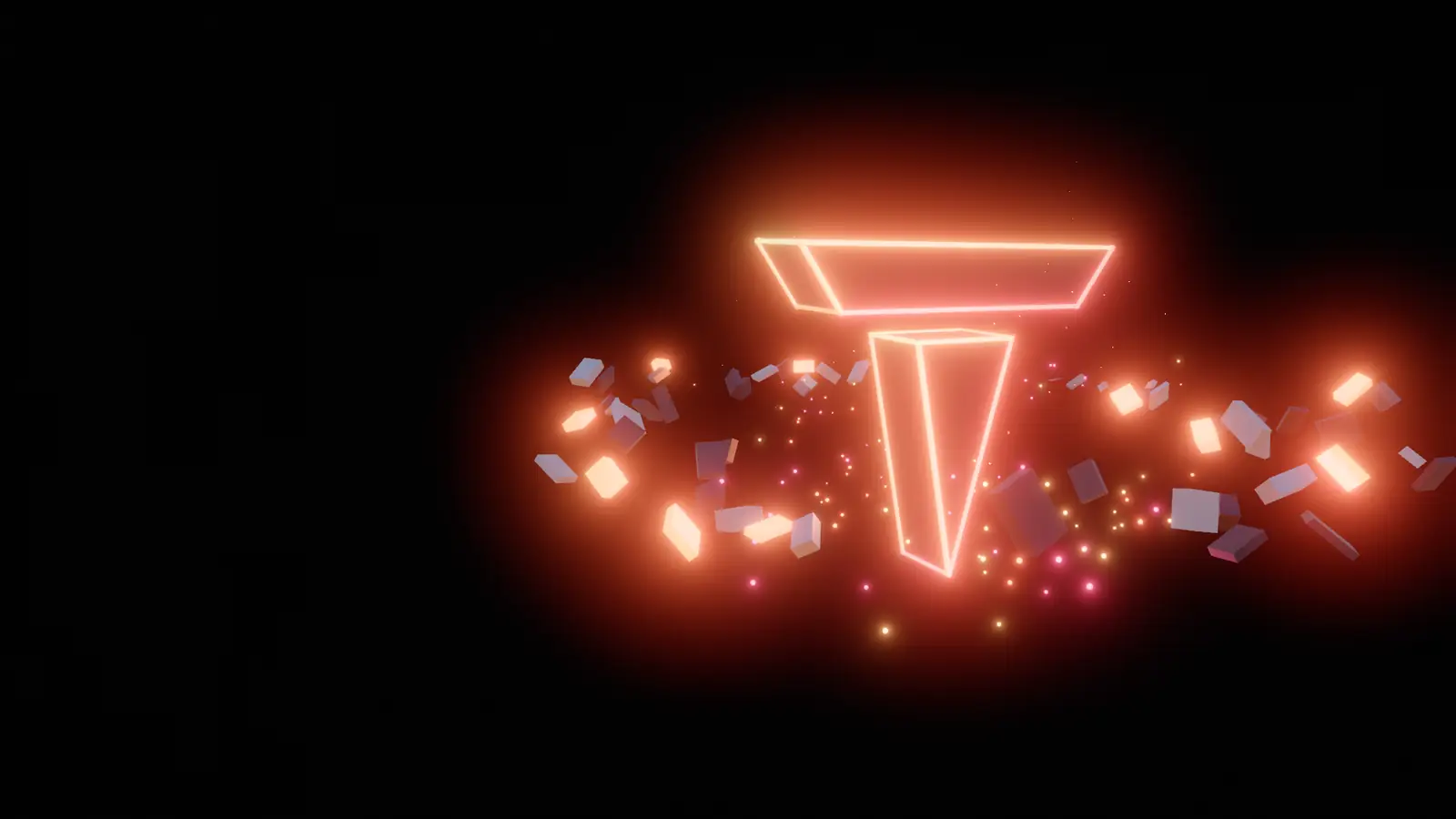
The Keel mark
Move your pointer to tilt the mark. The Platforms page shows this scene rendered natively and in the browser.
Check the evidence before you choose.
Read the measured runs, compare Keel with Unreal Engine, Unity, Godot and Bevy, or check the capability you need.
This site is live. Cubeage clients are in development.
This website runs on Keel, from HTML pages to live 3D scenes. Cubeage is developing game clients with the same engine.
Big Two and mahjong with Cubeage
Cubeage is developing Keel clients for Hong Kong and Taiwan Big Two and Taiwan 16-tile mahjong. Explore the publisher's games and store listings.
See the games at cubeage.com →This site
Every page you are reading is a Keel Component rendered to HTML.
See how the site was measured →Build your next game, app and site on Keel.
Install the public Rust packages to try Keel, or contact us to discuss commercial use.